ArtiDock is an AI workspace built around a board. You tell it what you’re working on, and the answer goes up on the board as something you can look at and change, like a diagram, a model, a chart or a draft.
Why visual
Most AI tools answer in paragraphs. That’s fine for a quick fact, but it gets in the way once there’s more to take in. People read a layout faster than they read a wall of text. You can see straight away what’s big, what’s linked, what sits next to what and where to start.
ArtiDock is built on that. Each answer is laid out so the shape of the idea shows at a glance, and you spend less time reading and more time thinking about what’s in front of you.
It helps with what comes next, too. Once the pieces are laid out where you can see them, it’s easier to spot what’s missing, move things around and try an idea you wouldn’t have got to by scrolling through a chat.
One board for everything
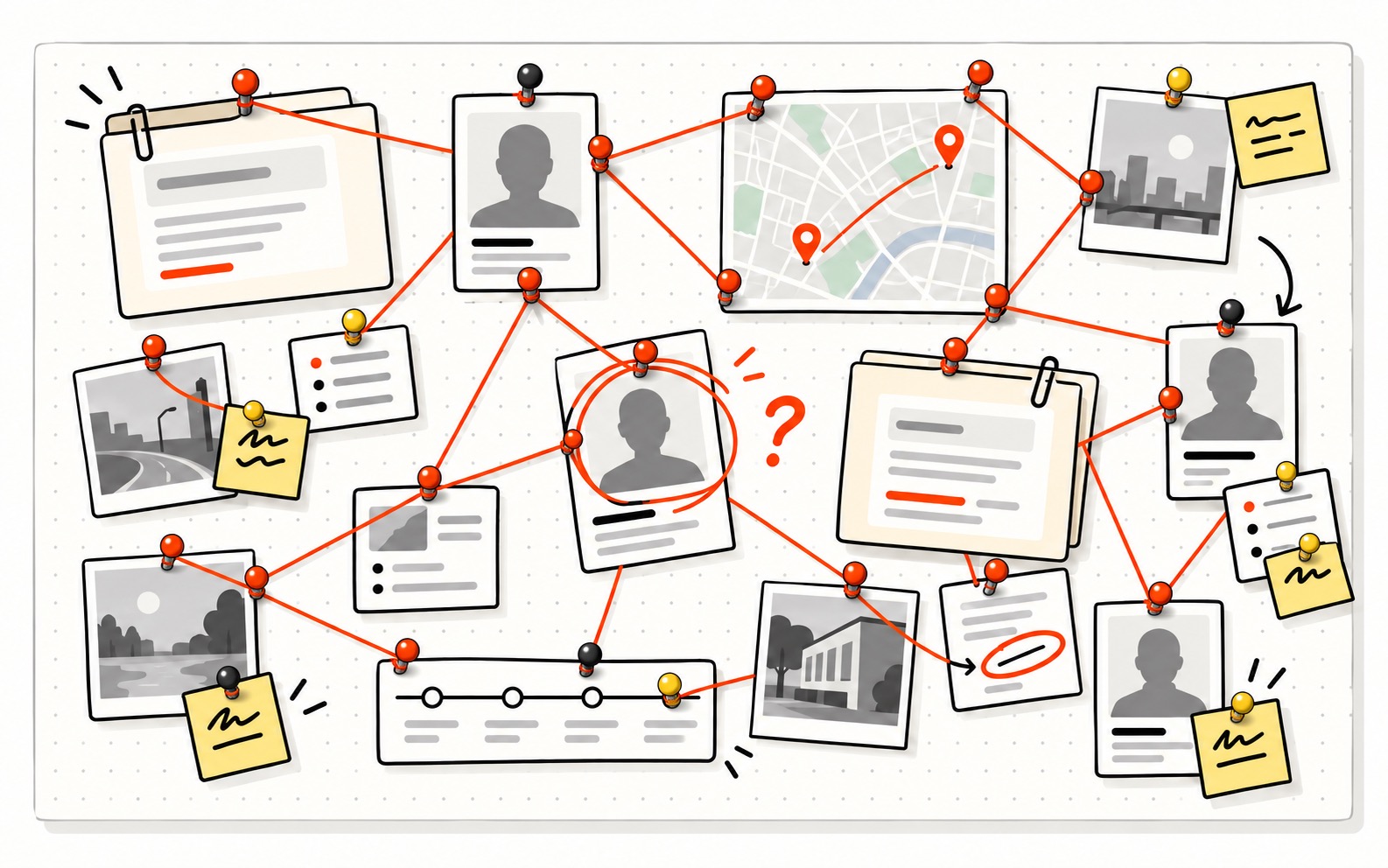
Think of a wall covered in notes, photos, maps and files, with string running from pin to pin. People build boards like that when a problem is too big to keep in their head. ArtiDock gives you one, and does most of the drawing for you.
It’s made to explain things, so if a sentence won’t do, you get a picture. Each answer lands on the board as a tile. Point at a tile to ask about it or change it, and everything else stays where it is.
Learning
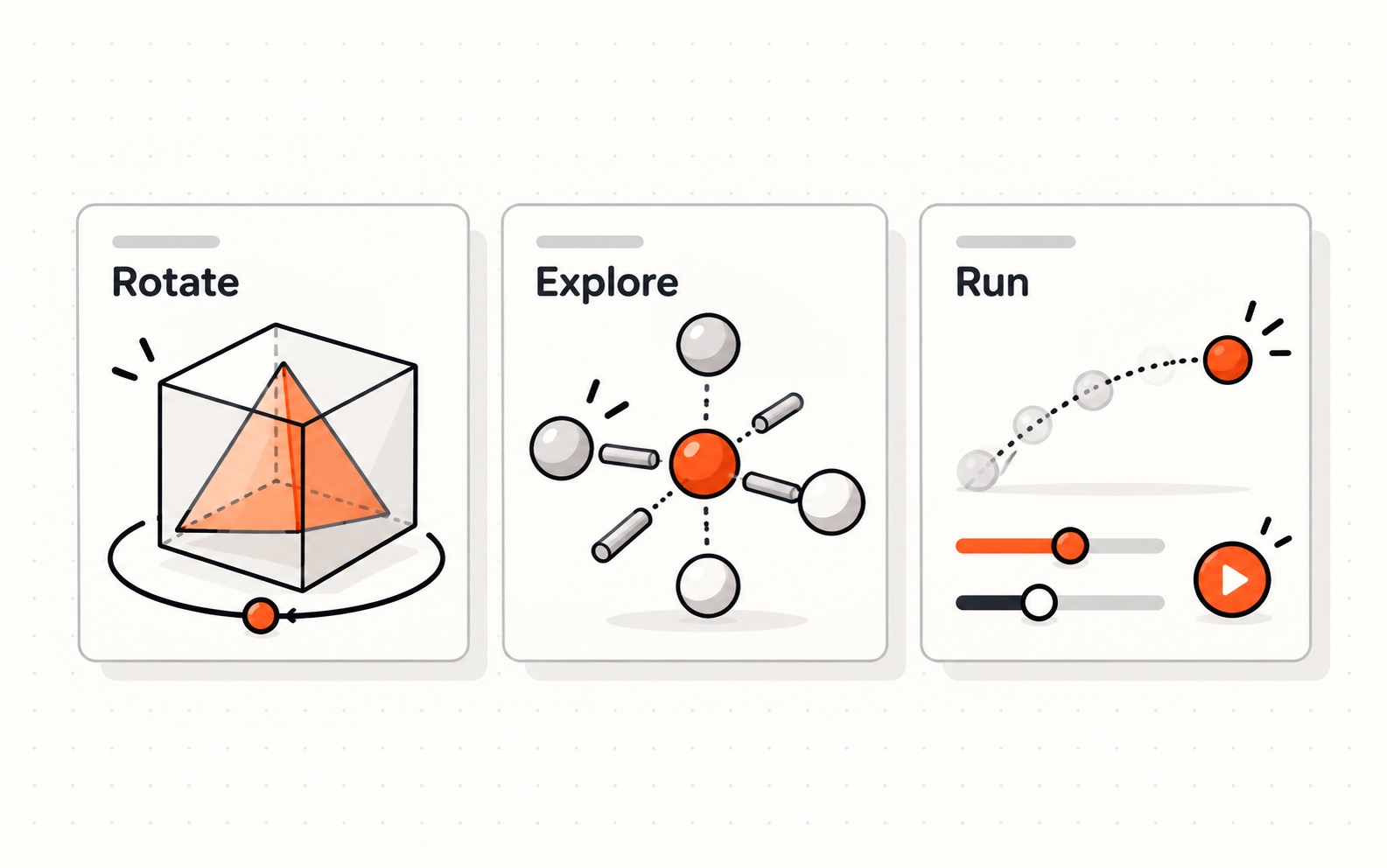
Things stick better when you can see them. Instead of a page of text, you get something to explore. Turn a shape around to see its hidden side, or pull a structure apart to see how the pieces fit. If something moves, run it, change the numbers and watch what happens.
Writing
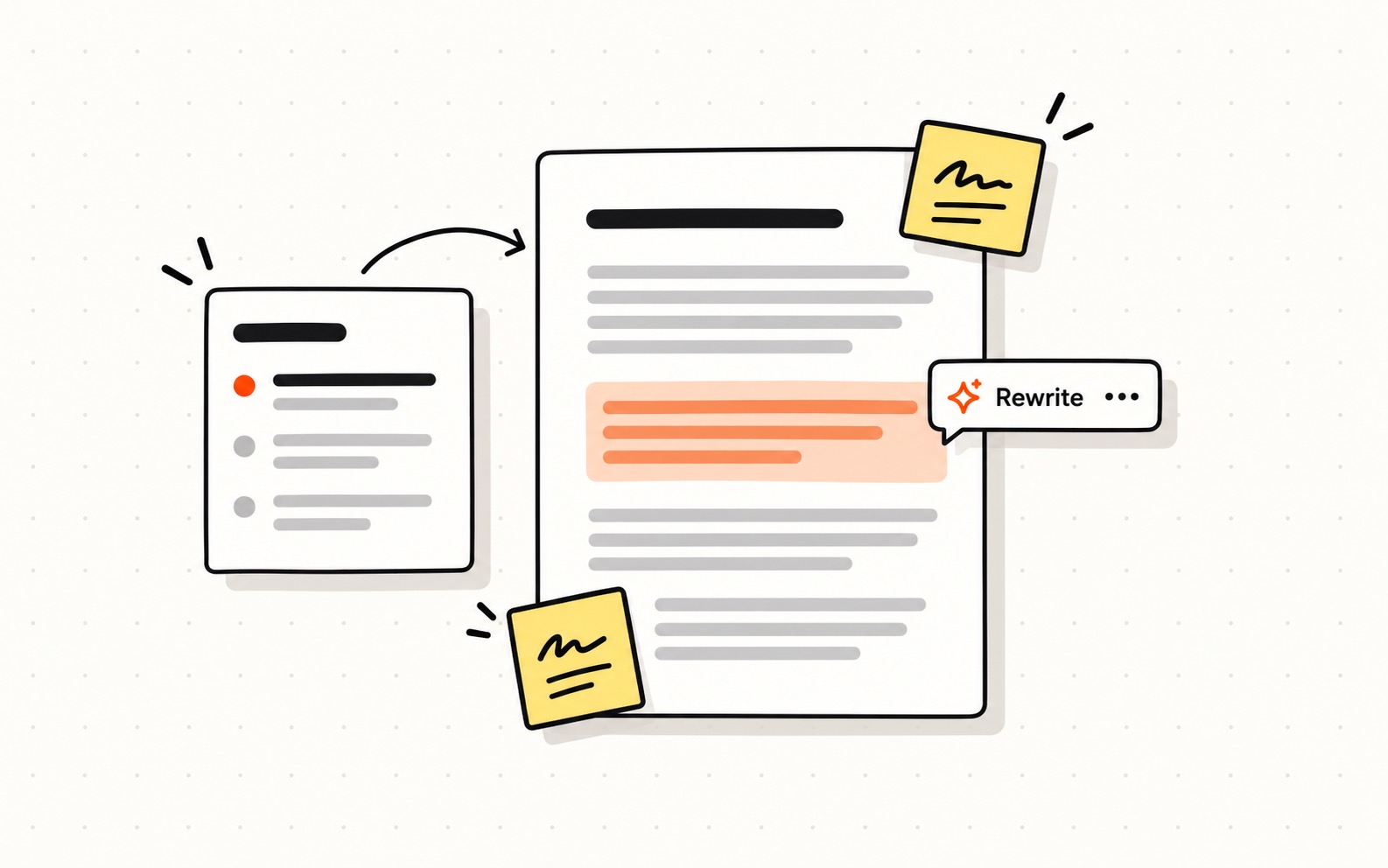
Drafts show up on the board as documents. Edit them yourself, or select a paragraph you’re not happy with and ask for another go at just that part.
Branding
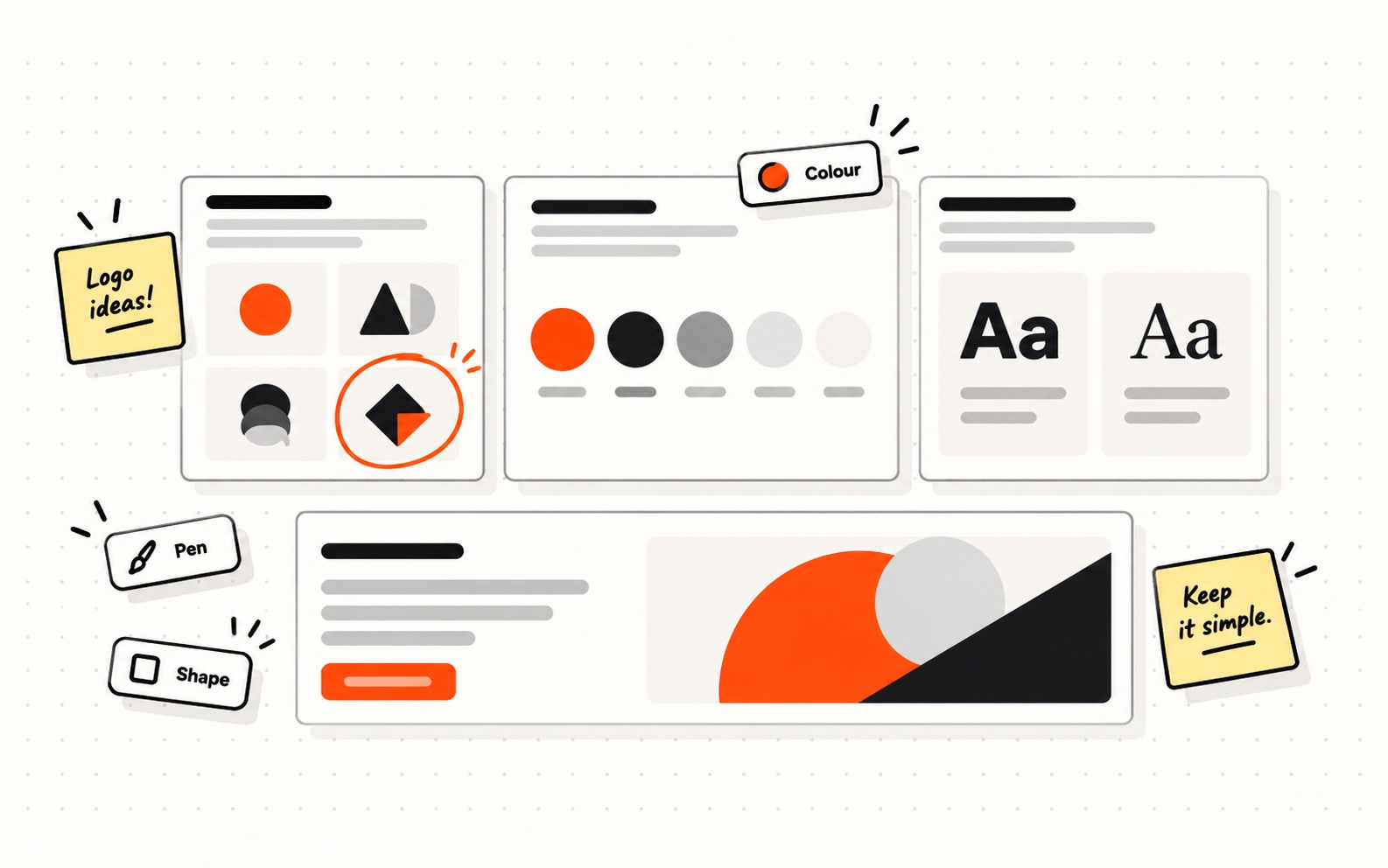
Work on logo ideas, colours and banners right on the board, with proper design tools underneath. Put a few options next to each other and keep going with the one you like.
Meetings
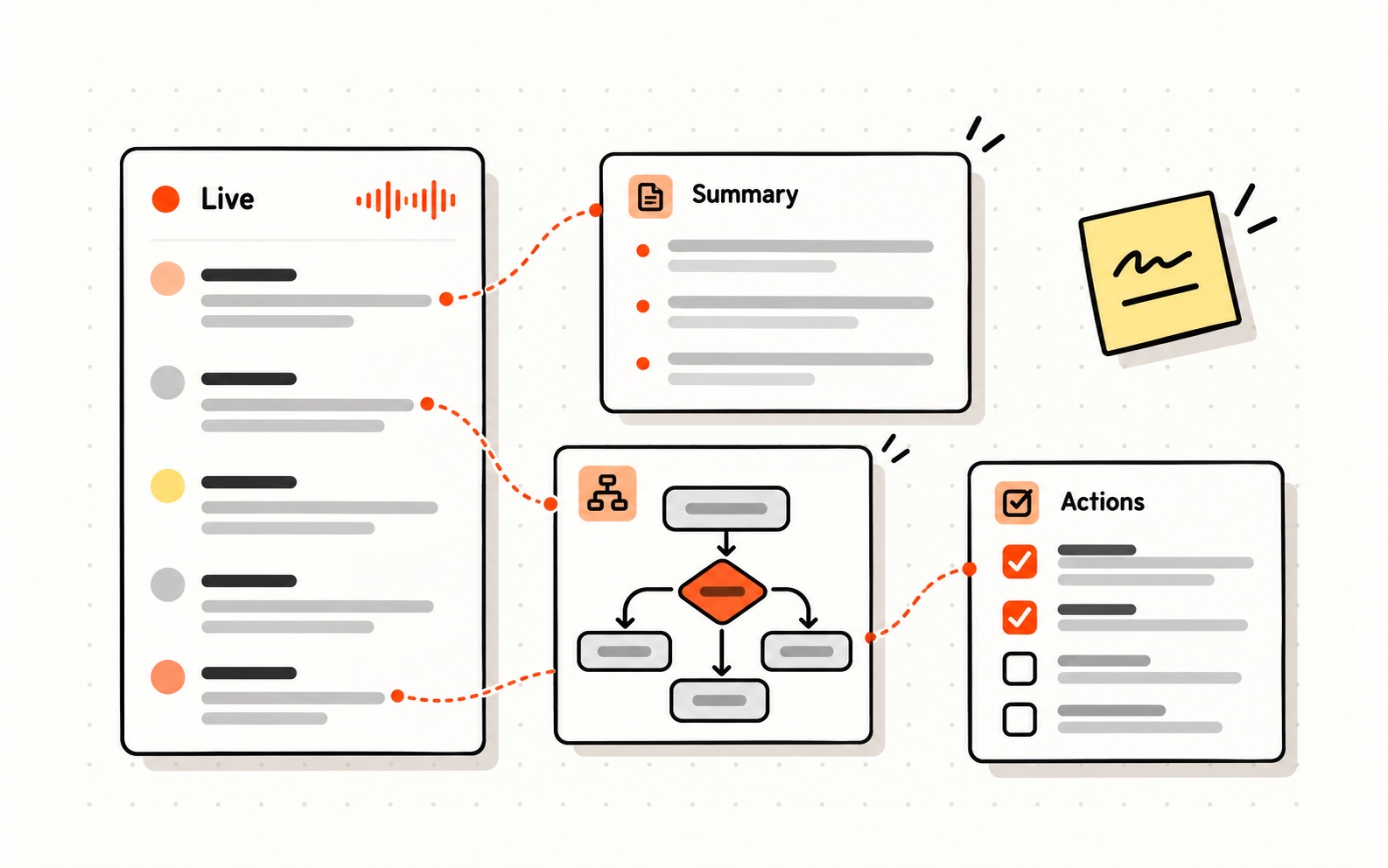
Leave ArtiDock listening during a meeting. While people talk, it pulls out what matters and puts it on the board as it happens: notes, a summary, a diagram of what was decided. Nobody has to stop and draw.
No tools to learn
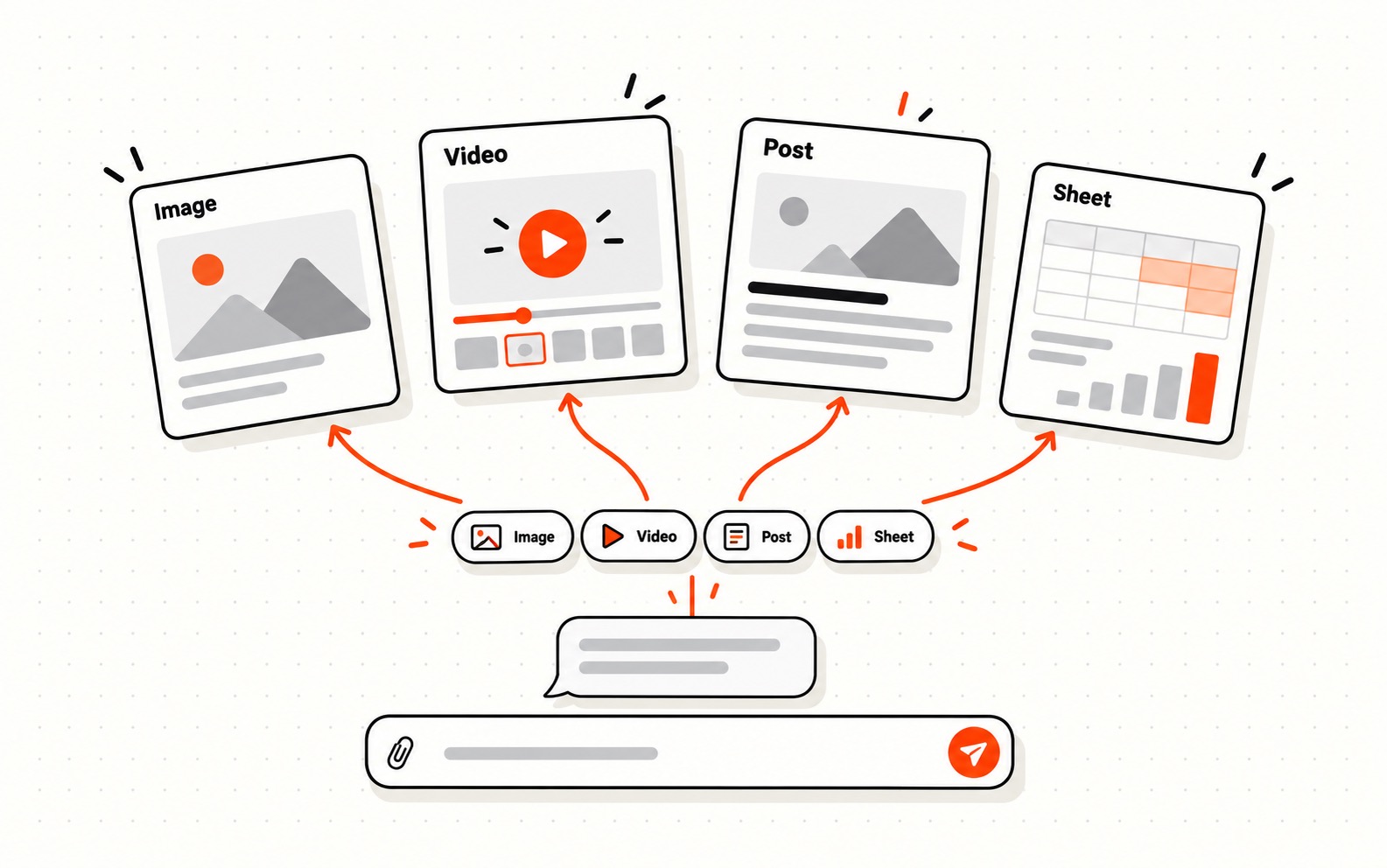
Most jobs come with a tool you’d have to learn first, and some know-how on top of that. Here you describe what you want in the chat. ArtiDock finds the workflow and skills for the job and gets on with it, whether you need images, a video, a blog post with pictures or a spreadsheet. It all ends up on the same board, so you’re not switching between apps to keep track of it.
Working as a team
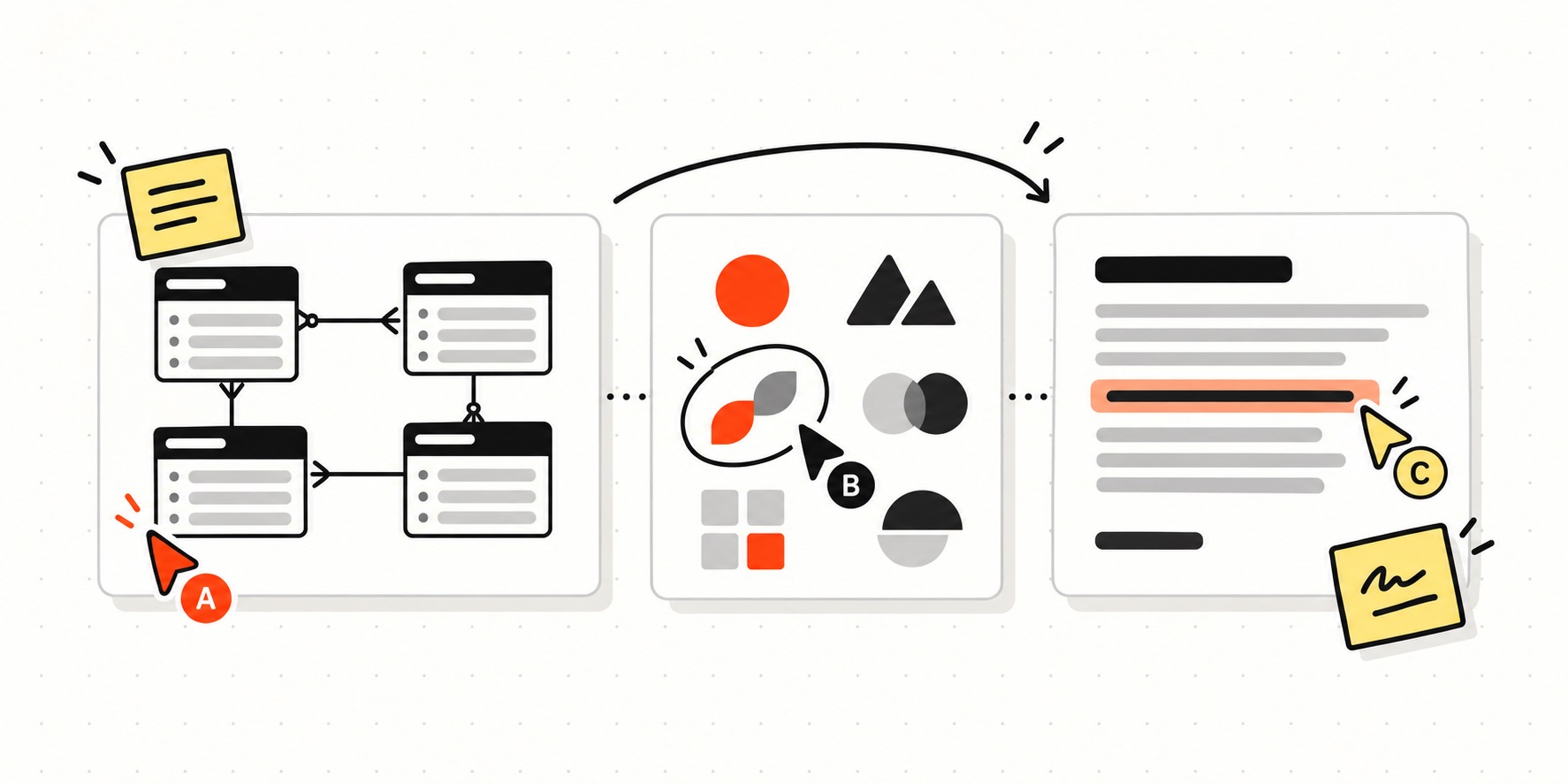
Several people can work on one board at once. Each person takes their own part, and everyone can see how it fits with the others while it’s still in progress.
Sharing and presenting
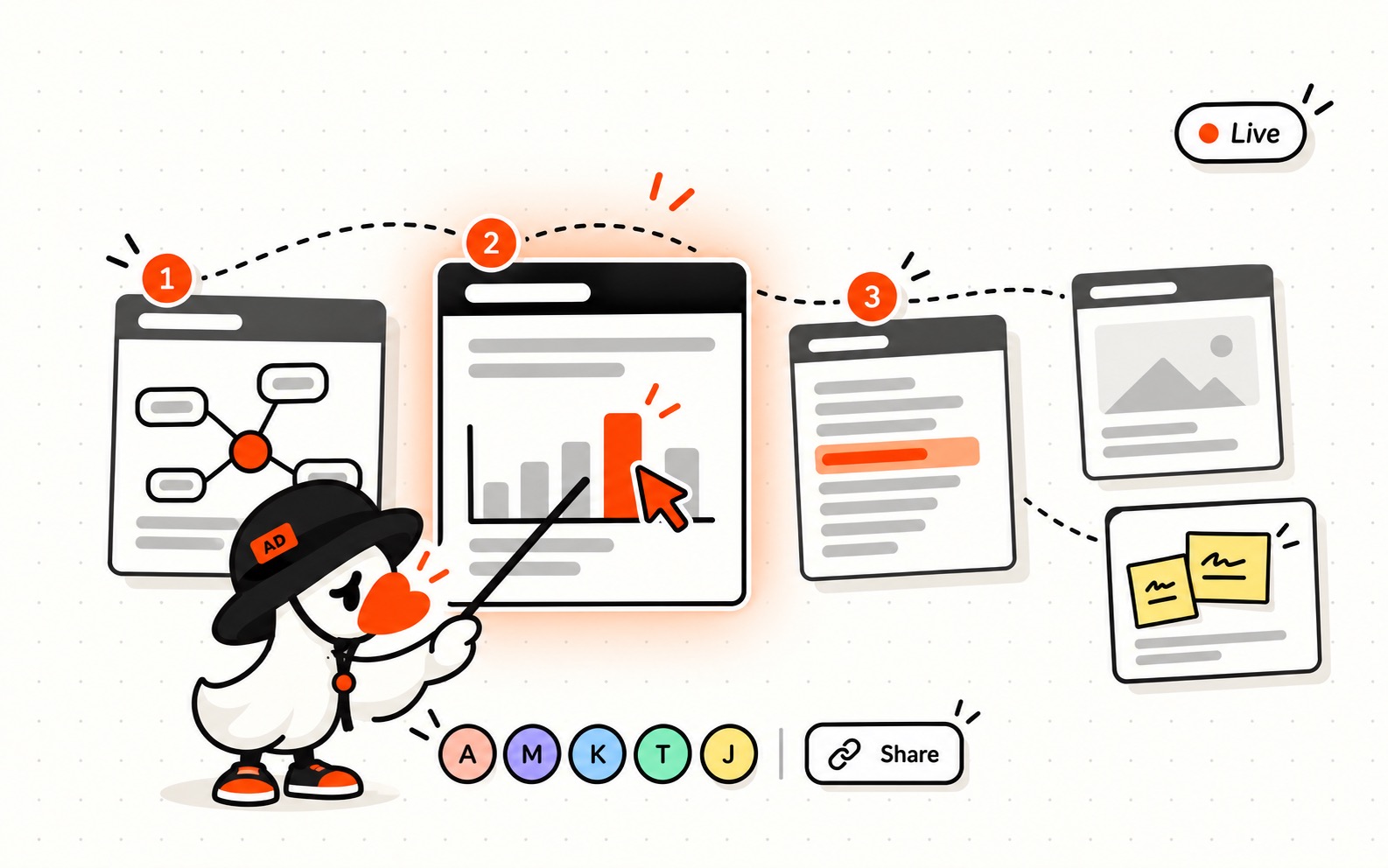
Send someone a link and they see the board the way you left it. There’s no need to turn it into slides first.
You can also present from the board live. Take people through it one tile at a time, and when a question comes up, answer it on the board right then.
Your data
We never use your data to train AI models. Your memory, files and boards live in Storage, and you can delete any of it for good whenever you want. The Privacy Policy has the details.
Pricing
ArtiDock runs in the browser, so there’s nothing to install. Starter is free and gives you a new batch of credits every day. Plus and Max add more credits, stronger models and more images. If you’d rather use your own AI provider’s API key, that usage doesn’t count toward your plan.
Try ArtiDock on something you’re working on right now.